
Download Agiliza 3D – 3D Printing Budget Automation, CURA Integration, Productivity Tool
Overview
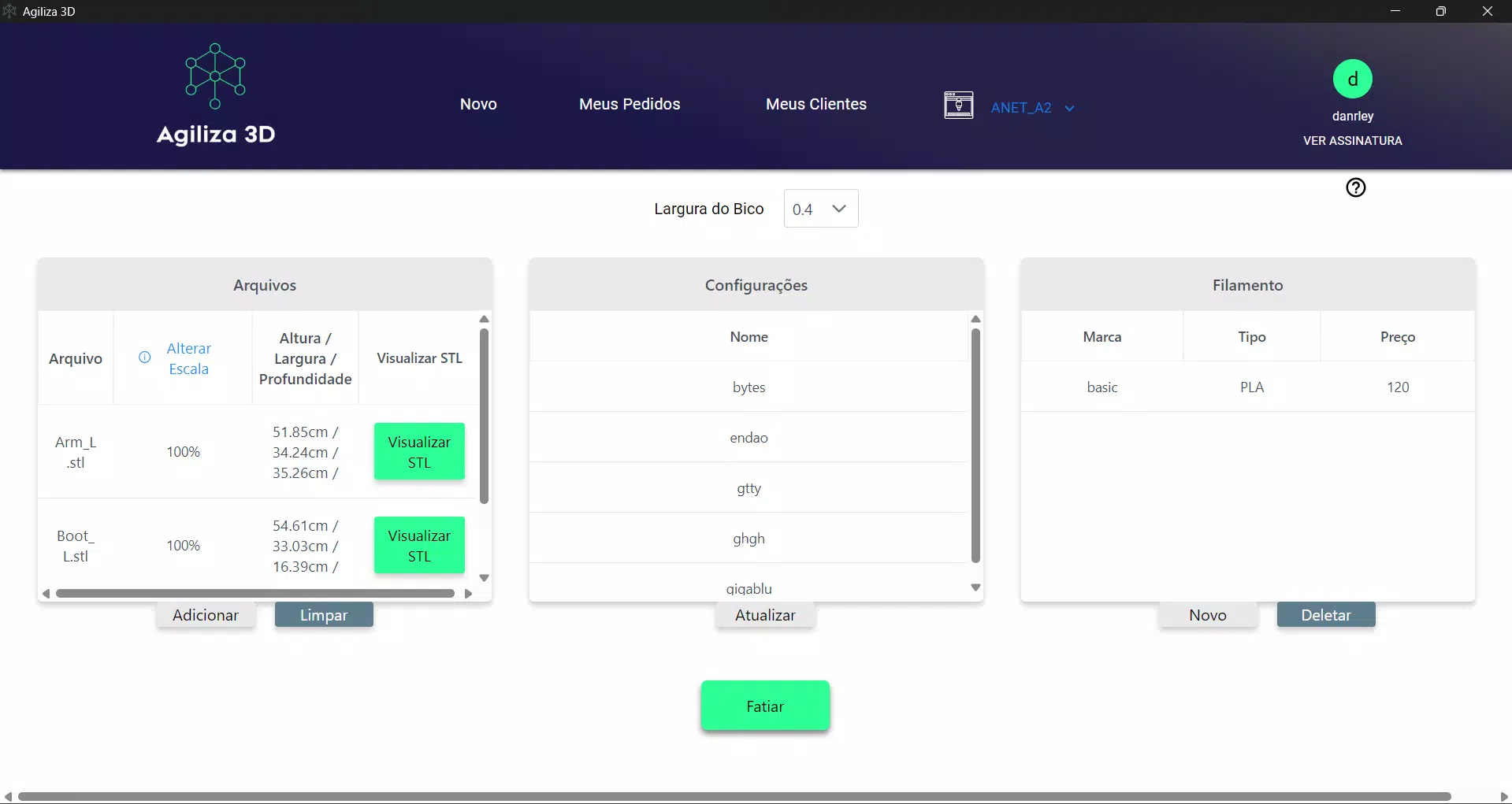
Agiliza 3D is a specialized mobile application designed to streamline the workflow of 3D printing professionals and hobbyists alike. Built with efficiency in mind, the app automates the budgeting process for 3D print jobs, centralizing key operations into a single, accessible platform. By integrating directly with CURA, a widely used slicing software, Agiliza 3D enables users to prepare models for printing with customized settings, reducing manual configuration time and minimizing errors. The application is particularly useful for makers, small-scale manufacturers, and service bureaus that manage multiple print orders with varying material, time, and cost requirements.
Its core purpose lies in simplifying complex production cycles by offering tools for profit tracking, order management, client oversight, and delivery monitoring. This makes it a valuable asset in the growing ecosystem of digital fabrication tools. The app targets users who seek to improve operational transparency and financial control without relying on multiple disconnected systems. While the developer, Agiliza 3D, has not provided additional background details, the app’s focus on automation and integration suggests a strong understanding of the pain points in 3D printing workflows. Real-world use cases include managing a local maker space’s print queue, supporting a freelance 3D printing business, or assisting a design studio in delivering accurate project quotes.
Key Features & Functionality
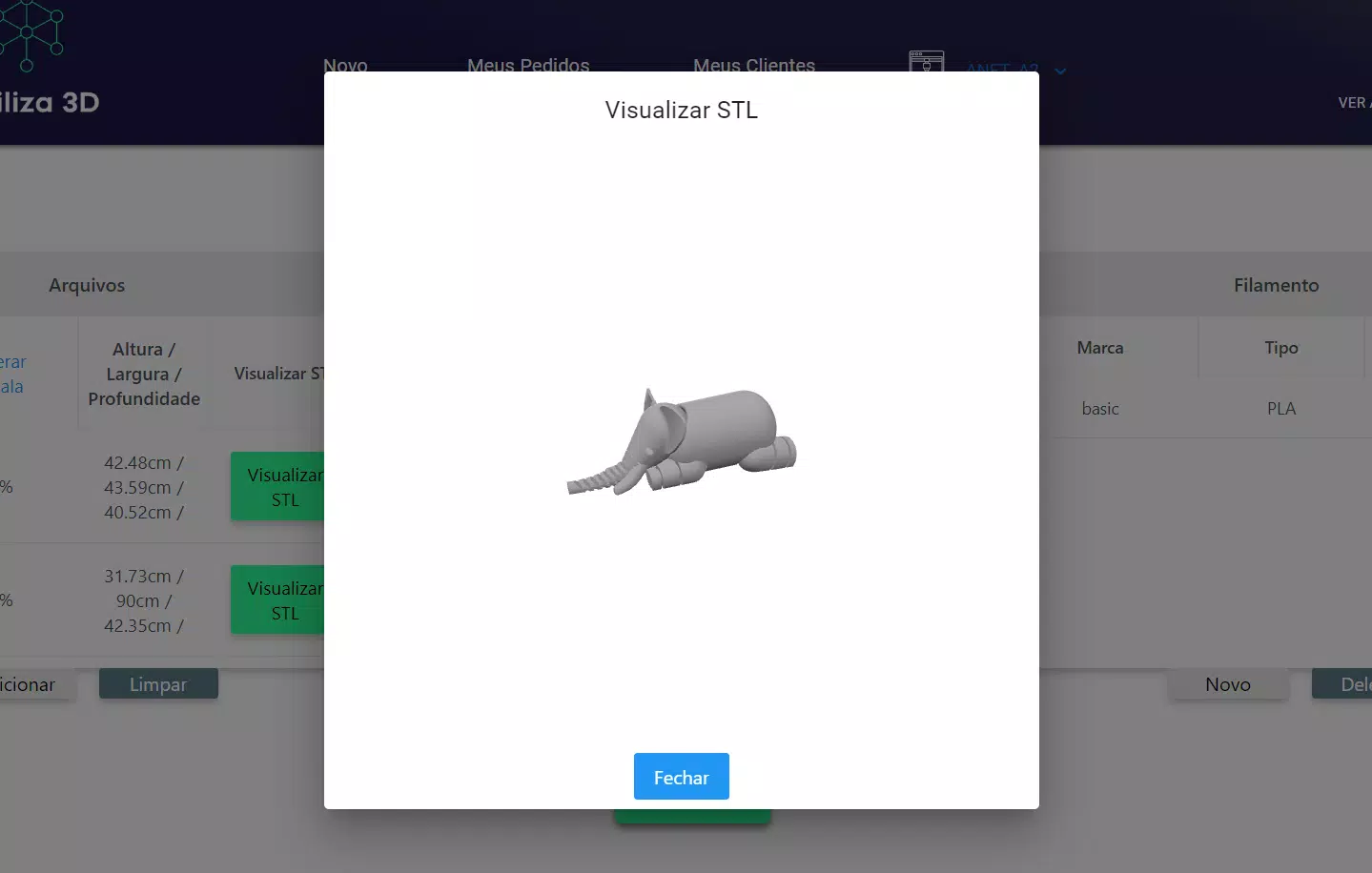
- Integration with CURA: Agiliza 3D enables users to apply personalized CURA slicing configurations directly from the app, ensuring consistent and optimized print outputs. This feature reduces the need for repetitive setup across devices and supports rapid turnaround on print jobs.
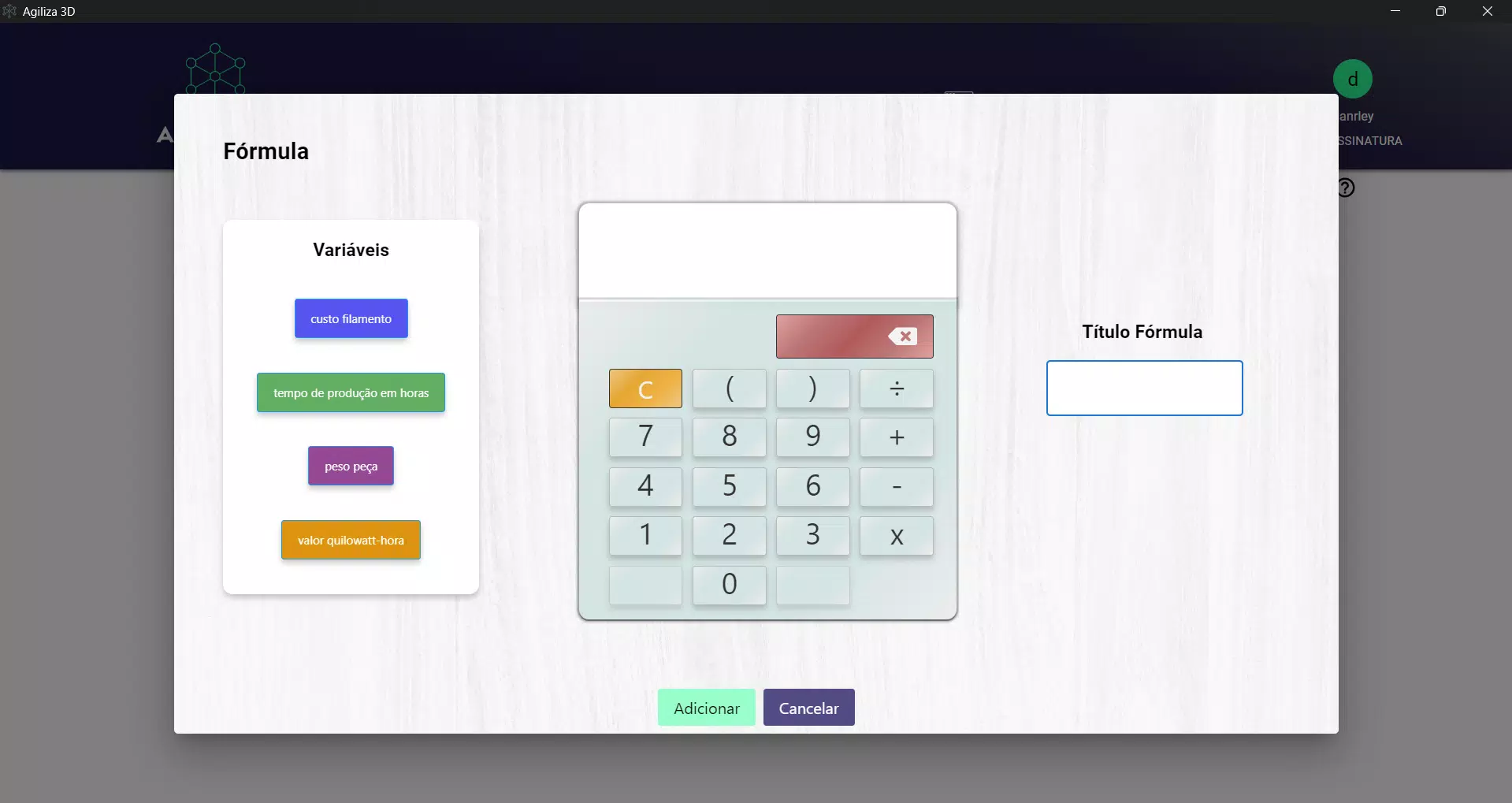
- Profit Management: Users can track and analyze profit margins per project, helping to assess the financial viability of each print. This functionality supports informed pricing decisions and long-term business sustainability.
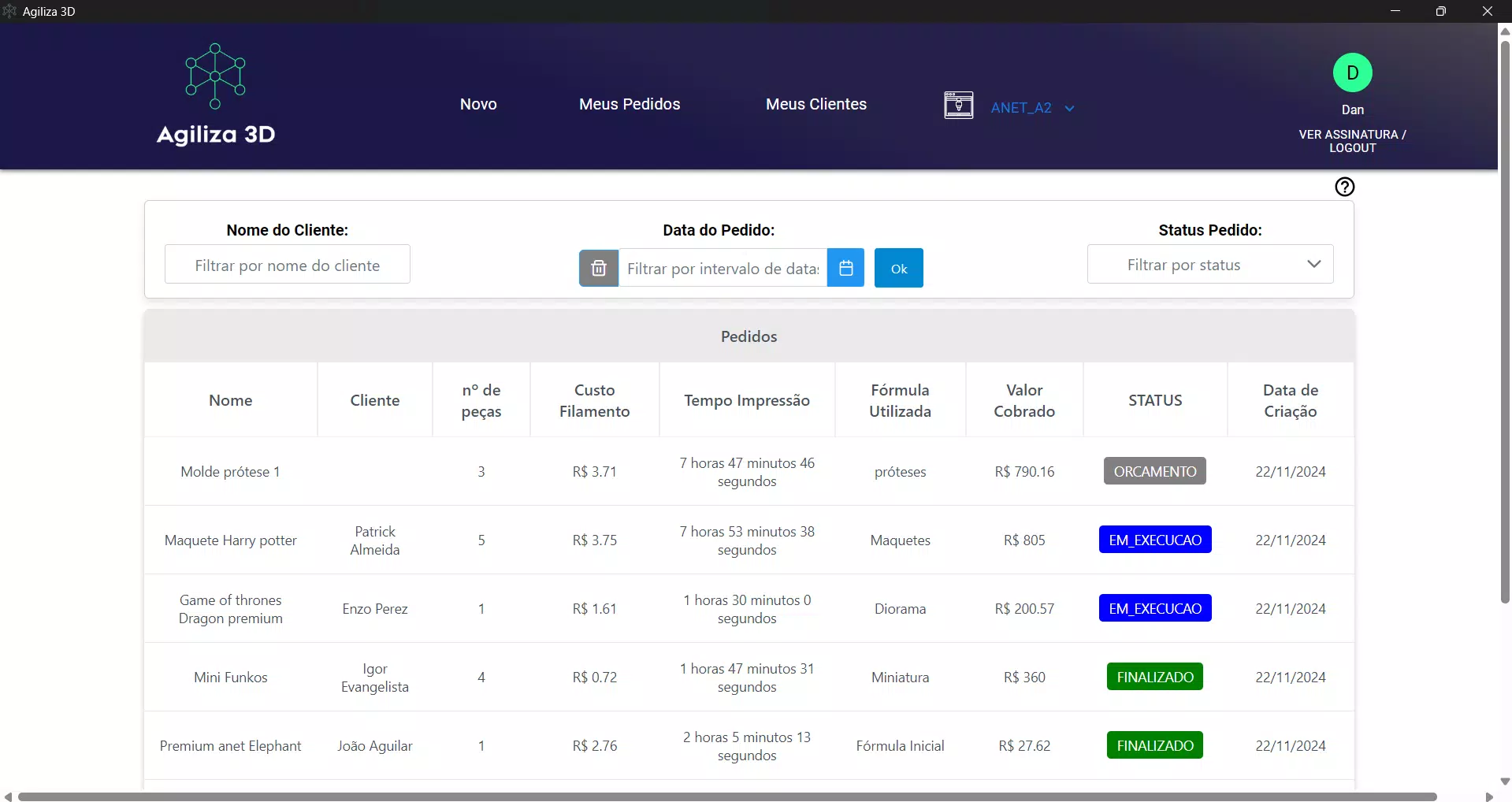
- Order Management System: The app provides a centralized dashboard to monitor the status of print orders, including pending, in-progress, and completed jobs. This enhances workflow visibility and helps maintain timely delivery schedules.
- Delivery Tracking: With built-in delivery monitoring, users can log and follow up on completed print shipments, ensuring client satisfaction and reducing administrative overhead.
- Client Control Module: Agiliza 3D allows users to store and manage client data, enabling personalized communication and targeted marketing strategies for repeat business.
For instance, a freelance designer using the app can slice a model with pre-saved CURA settings, generate a quote based on material and time estimates, assign the job to a print queue, and later update the client on delivery status—all within one interface. This integrated approach minimizes context switching and improves productivity across the entire production chain.
Interface, UX & Performance
The user interface of Agiliza 3D appears to be designed with clarity and functionality in mind, prioritizing ease of access to core features. Navigation is likely structured around a bottom tab bar or side menu, allowing users to switch between order management, profit tracking, client profiles, and delivery logs seamlessly. Visual design elements such as clean layouts, consistent color coding for order statuses, and intuitive icons suggest a focus on usability for both technical and non-technical users.
Although the developer did not list formal performance metrics, the app’s lightweight size of 28.5 MB indicates a lean architecture, which typically supports smooth operation on mid-to-high-end Android devices. Responsiveness across different screen sizes and resolutions is expected, though specific testing data was not provided. The app’s stability during extended use, such as managing multiple print jobs over time, remains unverified.
However, the absence of reported issues in the release notes suggests a stable initial build. Users should expect minimal lag during routine tasks like viewing order lists or updating client records. Overall, the UX design aligns with modern mobile standards, emphasizing efficiency and clarity in a niche but growing field.
Platform Compatibility & Technical Requirements
Agiliza 3D is available exclusively on the Android platform. The current version is 1.0.0, with a file size of 28.5 MB. The app is free to download and install, making it accessible to a broad audience of 3D printing enthusiasts and professionals.
The developer did not specify minimum OS requirements, nor did they list supported device types or hardware dependencies. As such, compatibility with older Android versions or low-memory devices cannot be confirmed. Users are advised to ensure their device meets standard Android 6.0 or higher requirements for optimal performance, though this is not officially stated.
The absence of information about app updates or future release schedules also means users should rely on official channels for the latest version.
Pros and Cons
Pros
- Free to download and use, reducing entry barriers for small businesses and hobbyists.
- Direct integration with CURA streamlines the slicing and printing workflow.
- Centralized management of orders, profits, clients, and deliveries enhances operational control.
- Lightweight size (28.5 MB) ensures efficient storage usage on mobile devices.
- Designed for productivity in 3D printing environments, supporting real-world business needs.
Cons
- Platform availability is limited to Android; no iOS version was mentioned.
- Specific technical requirements, such as minimum OS version, were not disclosed.
- Developer did not provide details about future updates or long-term support plans.
- Limited information on performance across different device categories.
- No mention of cloud sync or cross-device access features.
FAQ
Is Agiliza 3D safe to download and install?
Yes, the app is free and available through official Android channels. It has not been flagged for security issues in public databases.
Can I use Agiliza 3D without prior experience in 3D printing?
While the app is designed for 3D printing workflows, some familiarity with slicing software like CURA is recommended for full functionality.
Does Agiliza 3D support iOS devices?
Currently, the app is only available for Android. No iOS version has been announced.
How often is Agiliza 3D updated?
The developer has not provided information about update frequency or release schedules.
Is my data secure when using Agiliza 3D?
The app does not disclose its data handling policies. Users should assume local storage unless otherwise stated.
Final Thoughts + CTA
Agiliza 3D stands out as a focused, practical tool for anyone involved in 3D printing who seeks to automate and organize their workflow. Its integration with CURA, combined with robust features for profit tracking and order management, delivers tangible value to small businesses and independent creators. The app’s lightweight design and free access make it an attractive option in a niche market where efficiency and cost control are critical.
While platform exclusivity and limited technical disclosures are notable drawbacks, the app’s core functionality is well-aligned with real-world production needs. For makers and print service providers aiming to scale their operations with minimal overhead, Agiliza 3D offers a compelling solution. Download Agiliza 3D now to transform your 3D printing workflow into a more streamlined, profitable, and manageable process.


